Chromebook for College: Will It Actually Get You Through a Degree?
By Johan
218 Views

Every August, the same question floods parent forums and student group chats: is a Chromebook enough for college, or do you need a "real" laptop? It's a fair worry. You're about to spend money on a machine that has to survive four years of essays, late-night research, group projects, and the occasional 2 a.m. panic before a deadline. Get it wrong and you're either buying a second computer halfway through sophomore year or lugging around far more machine than your coursework ever needed.
The honest answer is that for most students, a Chromebook isn't just enough — it's arguably the smarter buy. But "most" is doing a lot of work in that sentence, and the exceptions are the part you can't afford to get wrong. Let's walk through who thrives on a Chromebook in college, who quietly regrets it, and how to tell which group you fall into before you spend a cent.
What college actually demands from a laptop
Strip away the marketing and a typical student workload looks remarkably ordinary: writing documents, reading PDFs, joining video lectures, researching in a browser, submitting assignments to a learning portal, and streaming something to decompress afterward. Almost every modern campus runs on tools that live in the browser. Learning management systems like Canvas, Blackboard, and Moodle are websites. Google Workspace and the web versions of Microsoft Word, Excel, and PowerPoint cover the vast majority of written coursework. Zoom, Google Meet, and Microsoft Teams all run on ChromeOS. Citation managers, library databases, and discussion boards are web-based by design.
A Chromebook handles all of that without breaking a sweat, usually with noticeably better battery life than a similarly priced Windows machine. That endurance matters more than students expect. A full day of back-to-back classes rarely offers a free outlet, and a laptop that comfortably lasts ten-plus hours means you're not rationing your battery or fighting over the one wall socket in the lecture hall. Chromebooks also boot in seconds and stay fast on modest hardware because ChromeOS is lightweight — there's no sprawling background process tax slowing things down two years in.
Then there's cost, which for most students is the deciding factor. A capable Chromebook in the Chromebook Plus tier runs a few hundred dollars, leaving budget for textbooks, lab fees, and software subscriptions instead of starting your degree already out of pocket over hardware you'll barely tax.
For more information about chromebook and laptop visit CripsyWire
Where a Chromebook can let a student down
Now the exceptions, because they're real and they're specific. Some degrees are built around desktop software that simply will not install on ChromeOS, and no amount of optimism changes that.
Engineering and architecture students running AutoCAD, SolidWorks, or Revit need a Windows machine — those applications have no real ChromeOS equivalent. Design, film, and photography students living in the full Adobe suite (Photoshop, Premiere, After Effects, Lightroom) will hit a wall; the trimmed web and mobile versions don't cut it for serious coursework. Computer-science students often need a specific local development environment, virtual machines, or tools their professor expects to run natively. Data and statistics students may be required to use SPSS, SAS, or Stata. Music-production students relying on a full digital audio workstation are in the same boat.
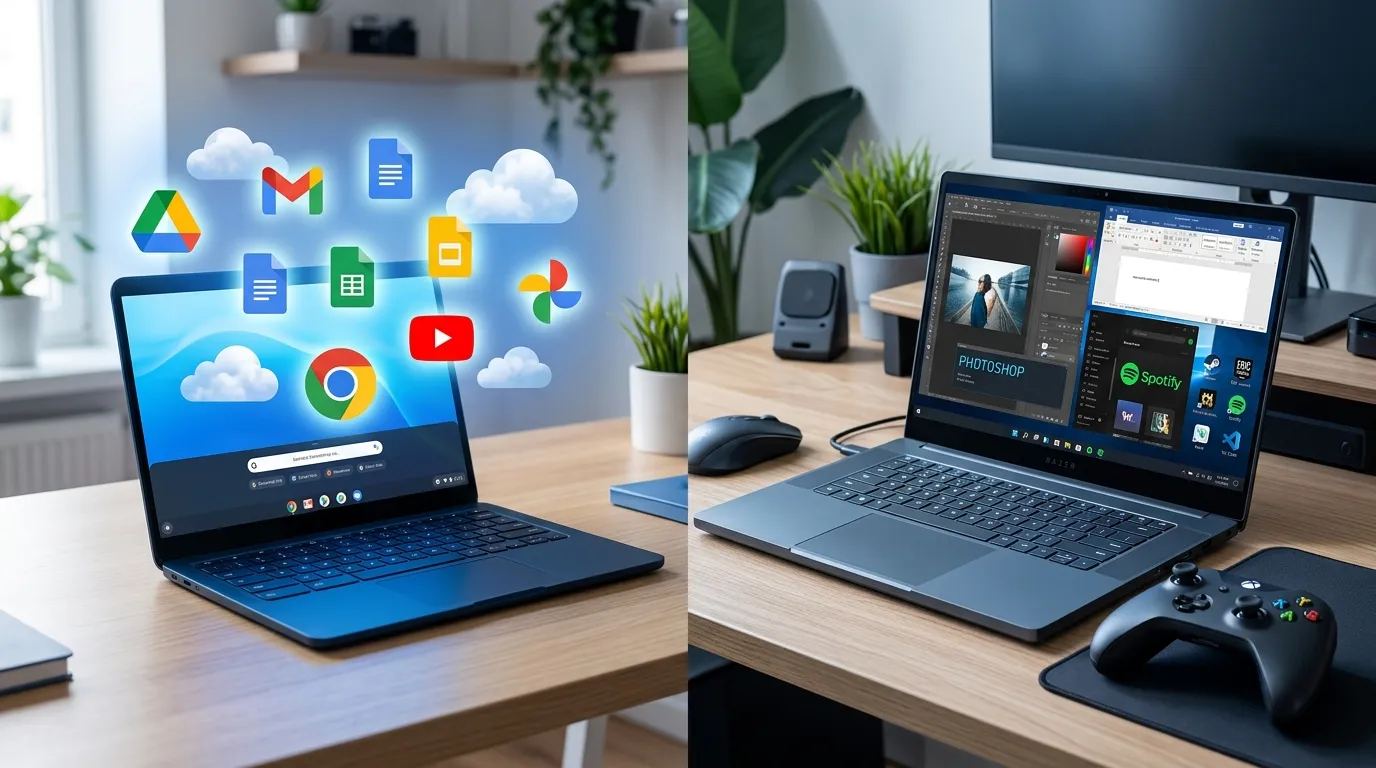
If your major appears on that list, lean toward a traditional laptop and treat it as a tool of the trade rather than a luxury.
The web-version trap that catches everyone
Here's the single most common mistake, and it deserves its own warning. Students assume that because an app "has a web version," the web version does everything the desktop one does. It frequently doesn't. The browser edition of Office is fine for typing a paper but stumbles on advanced Excel macros and complex formatting. Web-based design tools handle quick edits but lack the depth professors expect in a portfolio. The missing features tend to be exactly the ones an assignment hinges on.
The smartest move any incoming student can make takes five minutes: email your department or check your program's tech requirements page and ask one direct question — "Is there any required software that only runs on Windows or macOS?" Departments answer this constantly and usually have a ready list. Five minutes of asking saves a semester of regret and a possible second purchase.
The longevity advantage for a four-year degree
Here's a detail that quietly tilts the math toward Chromebooks for the length of a degree. Chromebooks released from 2021 onward receive up to ten years of automatic updates and security patches from their platform's launch date. A Chromebook bought in freshman year will still be fully supported well past graduation, which is rarely true of a budget Windows laptop that starts feeling sluggish and neglected by junior year.
For a device that has to survive four years of daily abuse — backpacks, dorm desks, the occasional coffee scare — that update runway translates directly into reliability and resale value. It's the kind of thing buyers only appreciate in hindsight, after the cheap alternative has already started nagging for an upgrade.
What to actually buy if you go Chromebook
Not all Chromebooks are equal, and the bargain-bin models are where regret lives. Skip anything with 4GB of RAM and a sluggish entry-level chip — it'll choke the moment you open a dozen research tabs alongside a video call. Aim for the Chromebook Plus tier: at least 8GB of RAM, 128GB or more of storage, a decent screen, and a recent processor. That configuration feels genuinely smooth for years and is still hundreds of dollars cheaper than a comparable Windows laptop. The small premium over the cheapest model is the best money you'll spend.
A simple way to decide
First, list the three apps or tasks you'll use most in your actual program — not what you imagine you might dabble in. Second, check whether each one runs as a web or Android app, or whether your department requires a desktop-only version. Third, weigh your internet reality: campuses are saturated with Wi-Fi, so most students are fine, but if you'll spend long stretches genuinely offline, factor that in. If all three core tasks live in the browser, a Chromebook is firmly on the table.
Quick questions students ask
Can I write all my papers on a Chromebook? Easily. Google Docs and the web version of Word handle essays, citations, and collaboration without issue, and your work autosaves to the cloud so a dead battery never costs you a paragraph.
What about exams with lockdown browsers? Check first. Some proctoring tools support ChromeOS and some don't. This is exactly the kind of requirement to confirm with your school before buying.
The verdict
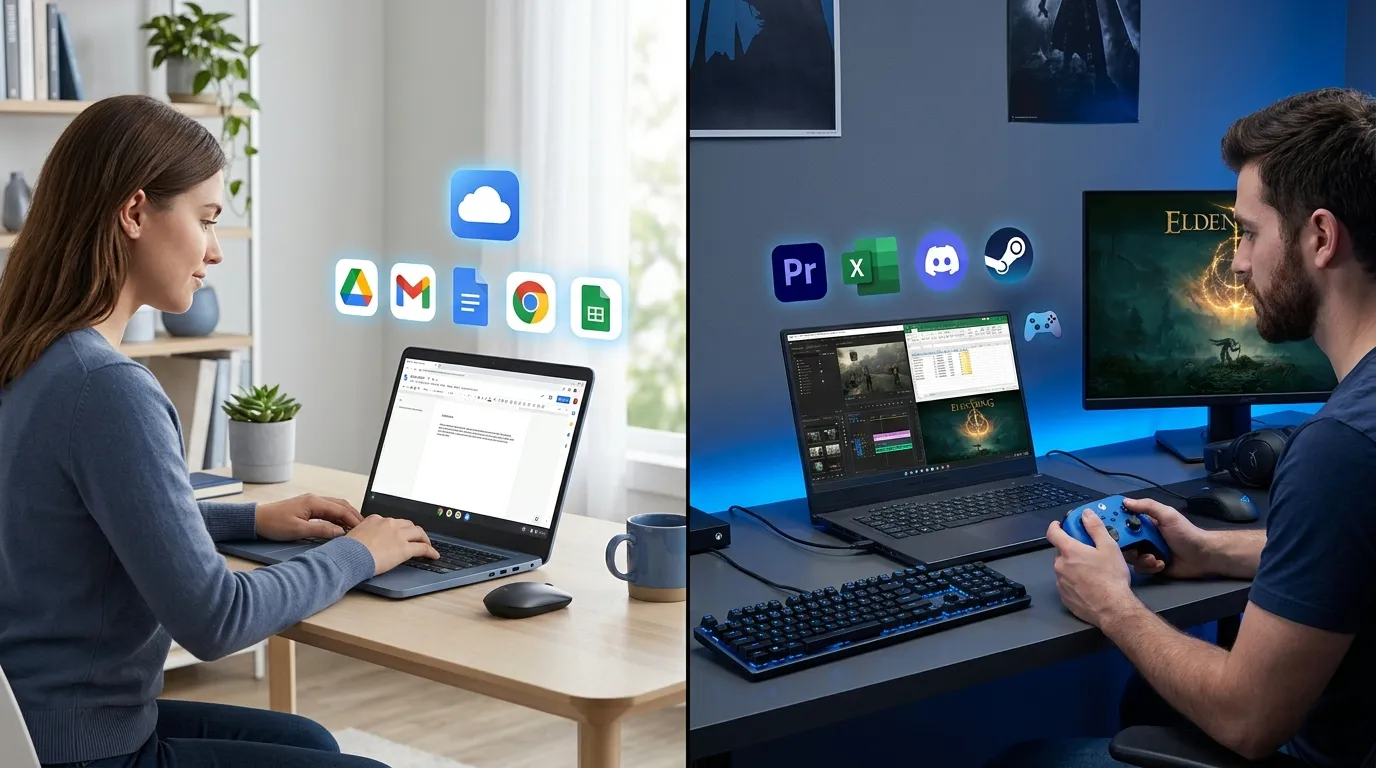
If your coursework is reading, writing, researching, and presenting, a Chromebook will carry you through a degree with money to spare and almost no maintenance headaches. If your program is anchored to heavy professional software, buy a traditional laptop and don't look back.
The decision really comes down to matching the machine to your actual coursework rather than a worst-case fantasy of what you might one day need. If you want to weigh the full picture — price, performance, software, battery, and update life side by side — this Chromebook vs laptop comparison breaks down exactly who each machine suits.
Whatever you choose, check the return window and give it a real week of coursework. A spec sheet can't tell you how a machine feels at 1 a.m. before a deadline. Your actual workflow can.