Best Free Image Compressor and Resizer to Convert MB to KB Instantly
By Hassan saeed
155 Views
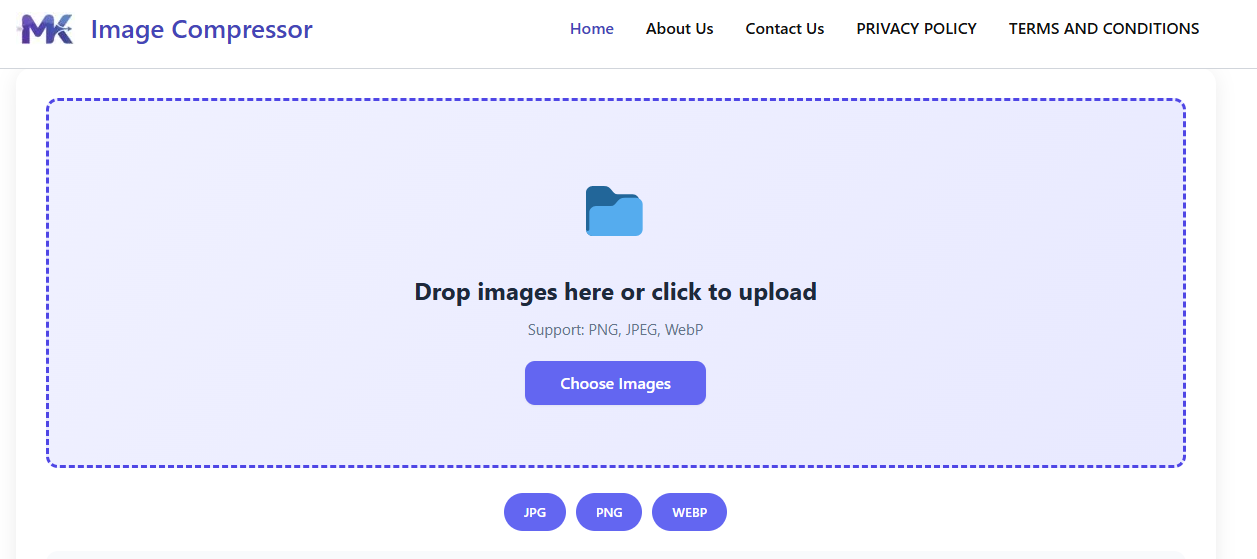
In a world where speed and efficiency define online success, optimizing your images is no longer optional—it’s essential. Large image files can slow down your website, consume unnecessary storage, and negatively impact user experience. That’s why using the best free image compressor and resizer to convert MB to KB instantly can make a huge difference in your digital performance.
Whether you are a blogger, web developer, student, or business owner, having a reliable image optimization tool helps you maintain high-quality visuals while significantly reducing file size. Let’s explore how these tools work and why they are so important.
Why You Need an Image Compressor and Resizer
Images straight from cameras or smartphones are often high in resolution and large in size, sometimes exceeding several megabytes (MB). While they look great, such large files are not ideal for websites or online sharing.
When you compress and resize images into kilobytes (KB), you make them lighter and faster to load. This directly improves website speed, which is a key factor in both user experience and search engine optimization (SEO). Faster websites keep visitors engaged and reduce bounce rates.
Additionally, optimized images use less bandwidth and storage, making them more efficient for hosting and sharing across platforms.
How Image Compression Works
Image compression reduces file size by removing unnecessary data while preserving visual quality. There are two common methods:
- Lossy Compression: This method removes some image data to achieve smaller sizes. When used properly, the difference in quality is barely noticeable.
- Lossless Compression: This keeps all original data intact while still reducing size, though not as much as lossy compression.
The best tools combine these techniques intelligently, allowing users to strike the perfect balance between size and quality.
The Importance of Resizing Images
Resizing is just as important as compression. Many users upload images that are much larger than needed. For example, if your website only displays images at 800 pixels wide, uploading a 4000-pixel image is unnecessary.
By resizing images to the correct dimensions, you eliminate extra pixel data, which automatically reduces file size. This also ensures that your website loads faster and looks more consistent across devices.
Key Features of the Best Free Image Tools
A high-quality image compressor and resizer should include the following features:
1. Instant Processing
The ability to compress and resize images within seconds saves time and boosts productivity.
2. User-Friendly Interface
Even beginners should be able to upload, adjust, and download images without confusion.
3. Quality Control Options
Users should have control over compression levels to maintain the desired image clarity.
4. Support for Multiple Formats
Support for formats like JPEG, PNG, and WebP ensures flexibility for different use cases.
5. No Installation Required
Online tools eliminate the need for downloads, making them accessible anytime, anywhere.
Benefits of Converting MB to KB Instantly
Using a free image compressor and resizer provides several advantages:
- Faster Page Load Speed: Smaller images load quickly, improving website performance.
- Better SEO Rankings: Search engines prioritize fast-loading websites.
- Improved User Experience: Visitors are more likely to stay and explore your content.
- Reduced Storage Needs: Save space on servers and devices.
- Quick Sharing: Easily upload images to social media, emails, or messaging platforms.
Best Use Cases
Image compression tools are useful in many situations:
- Blogging and Content Creation: Optimize images for articles and posts.
- eCommerce Websites: Speed up product pages for better conversions.
- Social Media Management: Upload images faster without losing quality.
- Email Attachments: Meet size limits without sacrificing clarity.
- Portfolio Websites: Showcase high-quality visuals without slowing down your site.
Tips for Maximum Efficiency
To get the best results from your image compressor and resizer, follow these tips:
- Choose the correct format for your image type
- Avoid excessive compression that reduces quality
- Resize images before uploading them
- Test image performance on different devices
- Use consistent dimensions for a professional look
Conclusion
The need for fast, efficient, and high-quality image optimization continues to grow as digital content expands. A free image compressor and resizer that converts MB to KB instantly is a powerful tool that helps you stay ahead.
By reducing file sizes, improving load times, and maintaining visual quality, these tools enhance both user experience and SEO performance. Whether you’re managing a website, running an online store, or simply sharing images, optimizing your visuals is a smart move.
Start using an image compressor and resizer today to enjoy faster performance, better rankings, and a smoother online experience.